Why Is My Plotter Printing So Slowly?
Learn the most common reasons wide format plotters print slowly and discover practical solutions to improve productivity and reduce workflow bottlenecks.
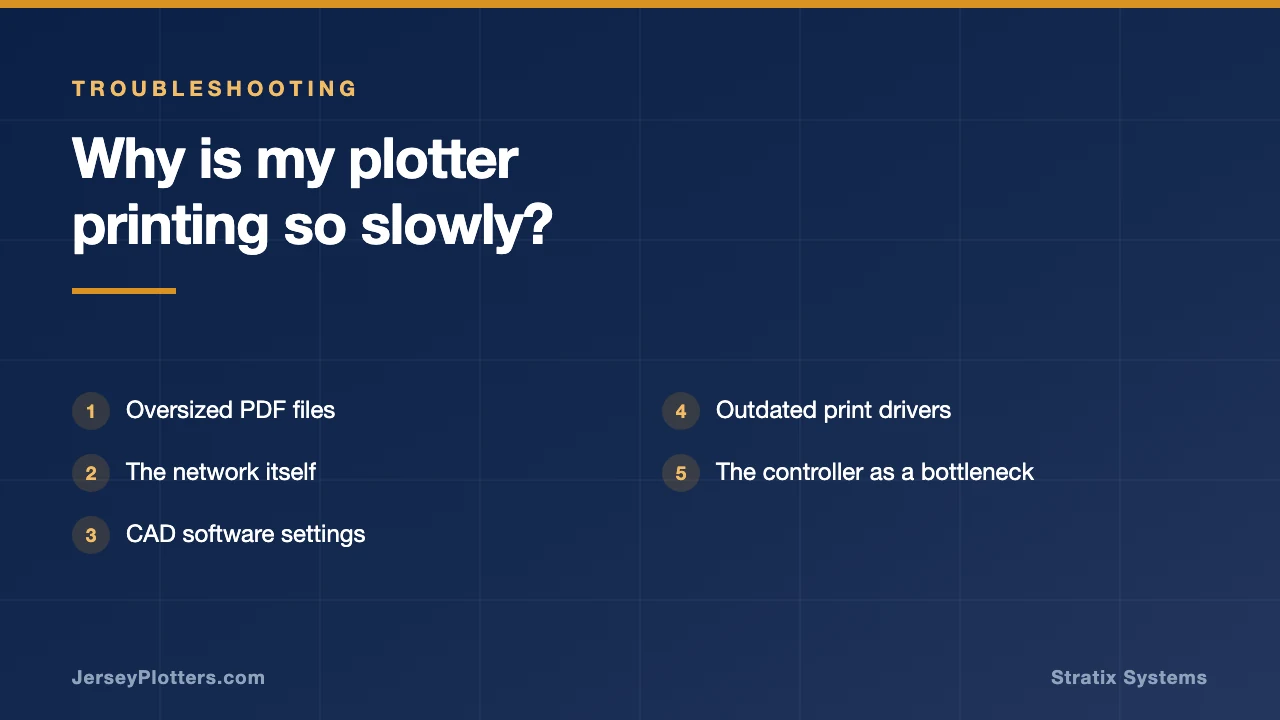
Why Is My Plotter Printing So Slowly?
One of the most common service calls I receive doesn’t involve a paper jam, a scanner problem, or a print quality issue. Instead, the customer simply says, “Art, my plotter is printing too slowly.”
What’s interesting is that many times the plotter isn’t actually printing slowly at all.
After 46 years in the office equipment industry, I’ve learned that what users perceive as a printing problem is often something happening before the printer ever puts ink or toner on paper. In many cases, the plotter is simply waiting for the file, processing the file, or trying to interpret information that is being sent to it.
The First Question: What Changed?
The first thing I usually ask is, “What changed?”
Did the firm recently upgrade its CAD software? Did someone start sending larger PDF files? Was the network modified? Did a new employee begin creating drawings with different settings? The answer is often hidden in one of those questions.
Oversized PDF Files
One of the biggest causes of slow printing is oversized PDF files. I’ve seen simple construction drawings that should be only a few megabytes arrive at the plotter as files exceeding 100 MB. Embedded images, aerial photography, excessive layers, scanned documents, and unnecessary resolution can dramatically increase file size. The plotter must process all of that information before it can begin printing. To the user, it appears the printer is slow. In reality, the plotter is busy trying to digest a file that resembles a small encyclopedia.
The Network Itself
Another common culprit is the network itself. Many wide format devices are installed in locations that made sense years ago but no longer support today’s workflows. I’ve visited offices where the plotter was connected through older switches, long cable runs, or crowded network segments. A large drawing can take significantly longer to reach the printer than most users realize. If the file arrives slowly, the printing process starts slowly.
CAD Software Settings
CAD software settings can also create unexpected delays. Engineers and architects often work with files containing dozens of layers, references, images, and linked documents. While these features are useful during design, they can dramatically increase processing requirements when it’s time to print. A drawing that appears simple on the screen may require substantial processing power once the print button is selected.
Outdated Print Drivers
I also see delays caused by print drivers. Many users never update their drivers after installation. Over time, software updates, operating system changes, and application upgrades can create compatibility issues. The result is a workflow that becomes slower and slower until someone finally asks why a drawing that once took thirty seconds now requires several minutes.
The Controller as a Bottleneck
Sometimes the problem is the controller itself. Many wide format printers rely on embedded processors or external controllers to manage print jobs. As files become larger and more complex, older hardware can struggle to keep up. The plotter may still be mechanically capable of printing quickly, but the controller becomes the bottleneck. Think of it like putting a modern sports car engine behind a transmission from twenty years ago. Eventually something slows the entire system down.
Print Settings
I’ve also encountered situations where users are unknowingly selecting print settings that dramatically reduce productivity. High-resolution modes, presentation-quality output, excessive color correction, and advanced image processing can all increase print times. Those settings have their place, especially for presentation graphics, but they are often unnecessary for routine construction drawings and engineering documents.
Scanning and Shared Resources
One issue that surprises many people involves scanning. On multifunction wide format devices, users often assume scanning and printing are completely independent activities. In reality, large scanning jobs, OCR processing, cloud uploads, and file conversions can consume resources that impact overall system performance. If several employees are scanning large documents while others are trying to print, delays can occur.
Equipment Age
Of course, there are situations where the plotter itself is simply showing its age. Older equipment may require maintenance, firmware updates, component replacements, or general cleaning. Worn rollers, aging electronics, and outdated hardware can gradually reduce performance over time. Unlike a sudden breakdown, these changes occur so slowly that users often don’t notice them until productivity has significantly declined.
The Good News
The good news is that most slow printing problems can be identified and corrected. Start by looking at file sizes. Review your network infrastructure. Verify that drivers and firmware are current. Evaluate print settings and determine whether they match the actual requirements of the job. If your equipment is several years old, consider whether the controller and hardware are still capable of supporting your current workload.
What I’ve learned over the years is that the phrase “my plotter is slow” rarely tells the whole story. More often than not, the plotter is simply the last step in a workflow that has developed bottlenecks elsewhere. Finding and eliminating those bottlenecks can dramatically improve productivity without replacing the equipment.
The next time your plotter seems slow, don’t automatically blame the printer. The real culprit may be hiding in the file, the network, the software, or the workflow itself.
Need Help Diagnosing a Slow Plotter?
If your wide format printer seems slower than it used to be, I’d be happy to help evaluate the workflow. Sometimes the solution is as simple as updating a driver. Other times, a small change in software settings can save hours of waiting every week.
After 46 years helping architects, engineers, surveyors, and construction firms with wide format printing, I’ve learned that the fastest way to improve productivity is often finding the bottleneck nobody knew existed.
Art Post Wide Format Specialist 📧 [email protected]